
Spot deviations sooner
Large weight digits and a graphical display show the result clearly against the configured control limits.
CLEAR RESULTS FOR QUALITY CONTROL
Neutron NT shows whether a product's weight is too low, within the acceptable range or too high. Operators see the result in a standard or enlarged view, address deviations and save a record with the product and batch.
Plan your checkweighing workstation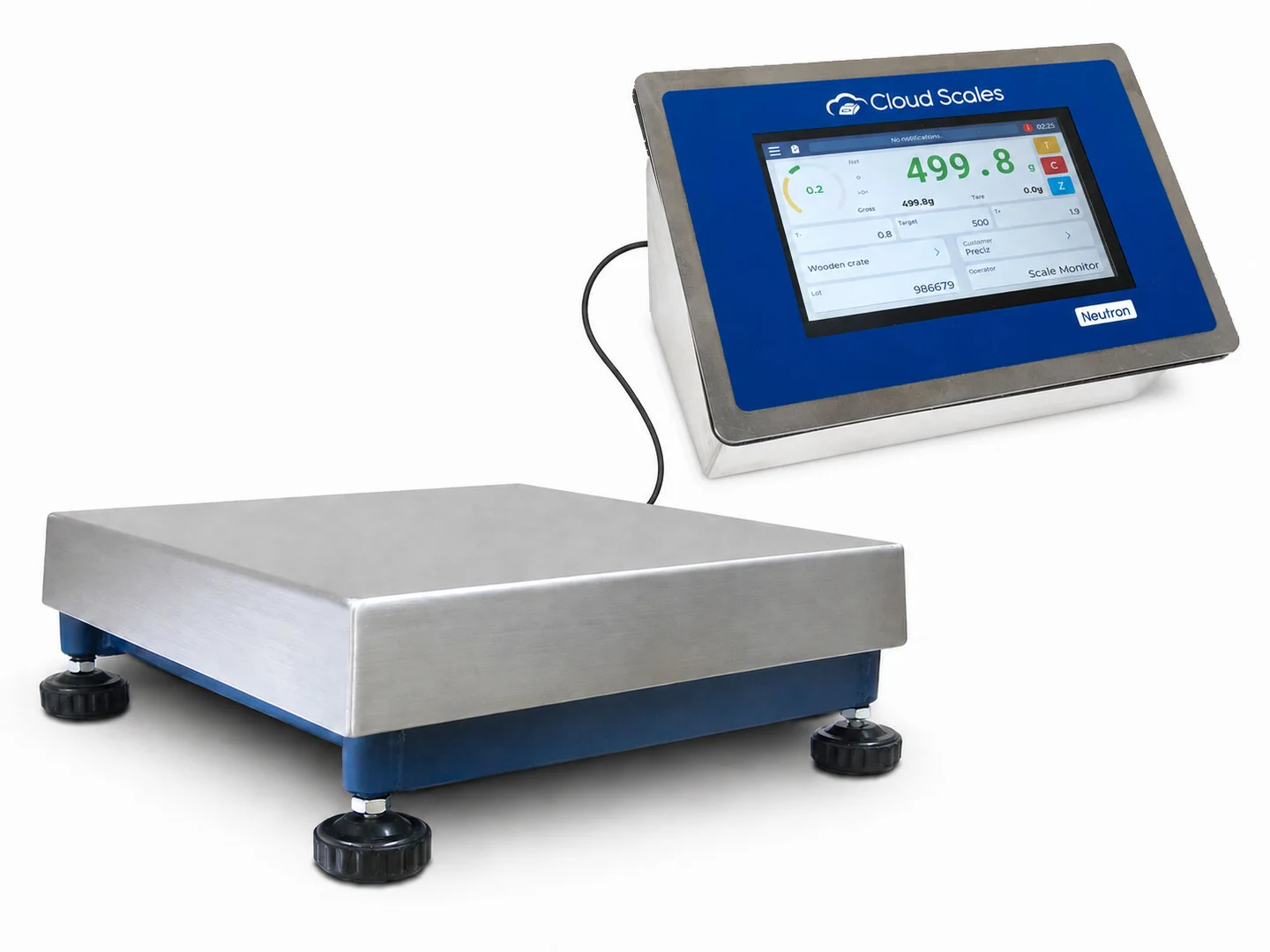
Large weight digits and a graphical display show the result clearly against the configured control limits.
Set a target and permitted deviations for each product, or enter the weight limits directly.
Link the measurement to the batch, order and operator, then save, print or transfer it.
Enter the minimum and maximum acceptable weights. Suitable when the acceptable range is already defined by two limit values.
Set the target weight and permitted deviations below and above it. Percentage deviations can also be configured.
If your target is a piece count, use Counting with a target and tolerances. That process relies on APW; Checkweighing compares weight.
Illustrative workflow
Select the product. Set a target of 100 g, a lower deviation of 8 g and an upper deviation of 7 g.
Place the empty container on the scale and subtract its weight to check the net contents.
Place the product on the scale and observe the result. The 100.1 g example is within the configured range.
Save the result with the batch; handle any out-of-range product according to your agreed quality procedure.
Illustration of the target and limits; this is not a scale measurement.
Within the acceptable range
Choose a screen view
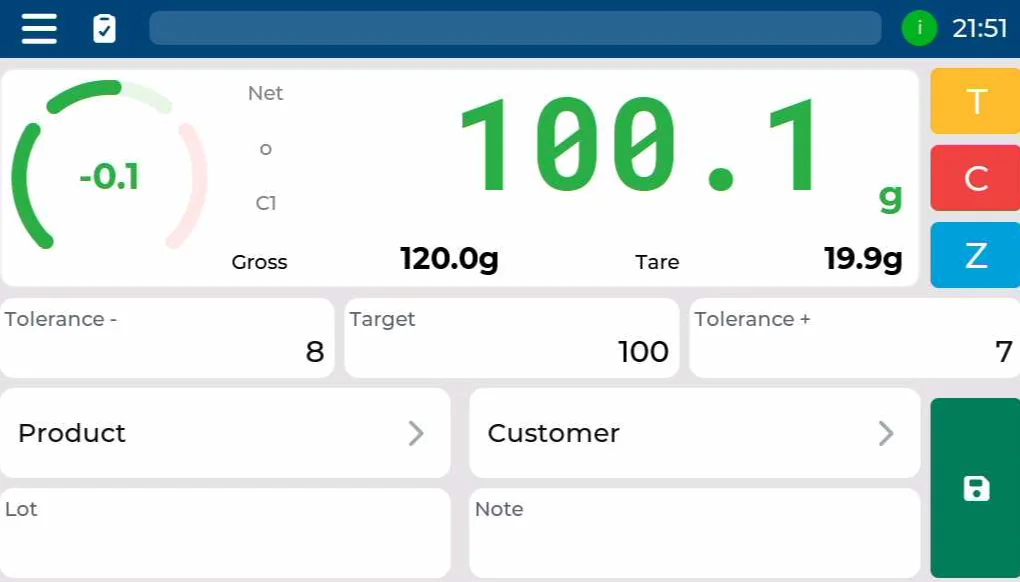
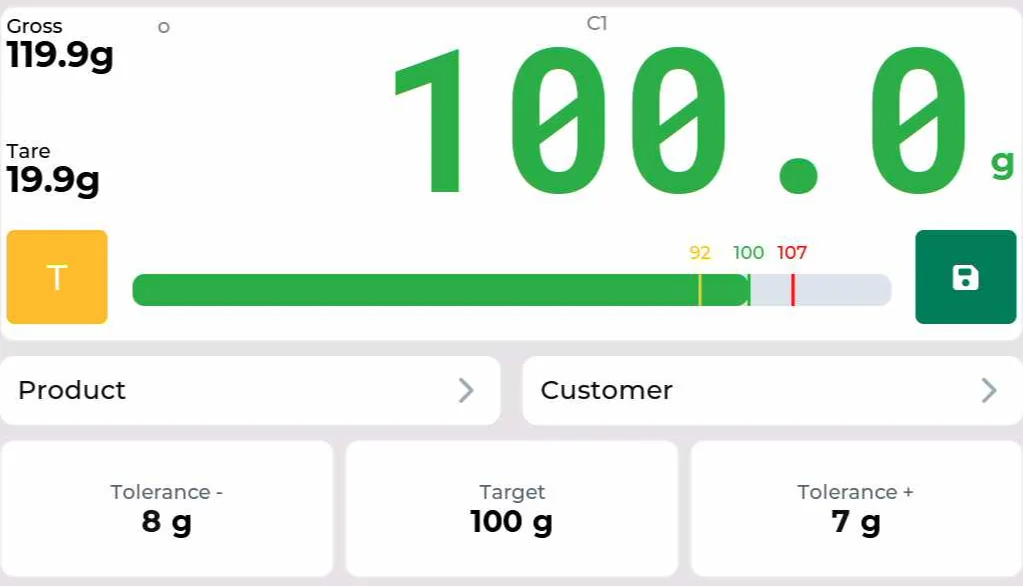
A virtual indicator is a configurable view of measurements and controls on the Neutron NT screen. Put the piece count or net weight first, add a target and tolerances, and keep only the information and buttons your operator needs. Configure the standard and enlarged zoom views through Scale Monitor.
We select the scale according to the minimum weight to be checked, resolution, packaging and permitted deviation. We verify the limits and workflow with your products. This presentation describes static checks at a workstation; an automatic conveyor Checkweigher is a separate solution.
Add custom attributes and input or selection fields: product, batch, work order, sales order, location, customer or note. Operators enter data on the screen, select it from a database or scan a code. Each result stays linked to the right product and process.
Create databases of products, customers, orders and other information used in your work. Adapt the databases and fields to your process so operators select agreed values instead of entering the same information repeatedly.
Illustration of configurable fields. Entries are not saved or sent.
Connect up to 4 weighing platforms and 1 additional reference scale to one indicator. Connect a reference scale via RS-232, RS-485 or TCP/IP to determine the average piece weight of light parts, then weigh larger quantities on the selected platform. We adapt the configuration to the equipment's interfaces, protocols and weighing ranges.
Unified display · applications · records · controls
Connection diagram: up to 4 platforms and 1 reference scale. We select the reference scale to suit the piece weight.
Connect results and their product, batch and order data to ERP, WMS or VMS, MES or LIMS. The REST API supports configured data exchange, while webhooks trigger transmission to a connected system when an event occurs. During integration, we agree the fields, transfer direction, receipt checks and retry handling to reduce manual data entry.
Neutron NT has a built-in OPC UA server for connection to PLCs and SCADA systems. It supports encrypted and unencrypted communication. Modbus RTU and Modbus TCP are also available for automation integration. We align the data mapping and communication method with your system.
The application runs locally on Neutron NT and saves records to its local SD card. With connectivity enabled and a suitable Scale Monitor plan, data is also saved automatically to the cloud. If the internet connection fails, you can continue working on the terminal; pending records synchronise when connectivity returns.
Local application and SD card records
Cloud overview and synchronisation
Data for production, warehousing and quality
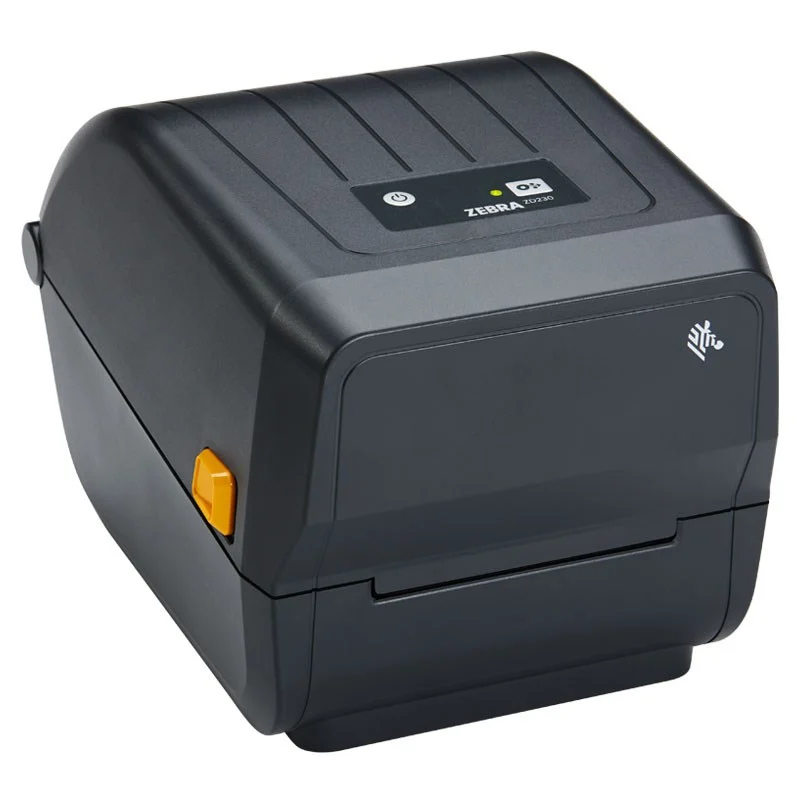
Use a label printer to identify packaging or a thermal POS printer for a weighing slip. Build templates from measurements and associated data: product, quantity, weight, batch, order, date, barcode or QR code. Printing can be linked to saving a weighing record.
A compatible network camera can capture an image of the goods on the scale when a weighing record is saved. The photograph adds visual evidence of the shipment's contents or condition to the measurement record. We connect the camera via TCP/IP and configure image capture in the application.
Choose accessories for identification, labelling and easier handling. A scanner speeds up data entry, a printer links the product to its record, and a suitable mount places the screen at a convenient working height. We match the accessories to your platform configuration and workflow.
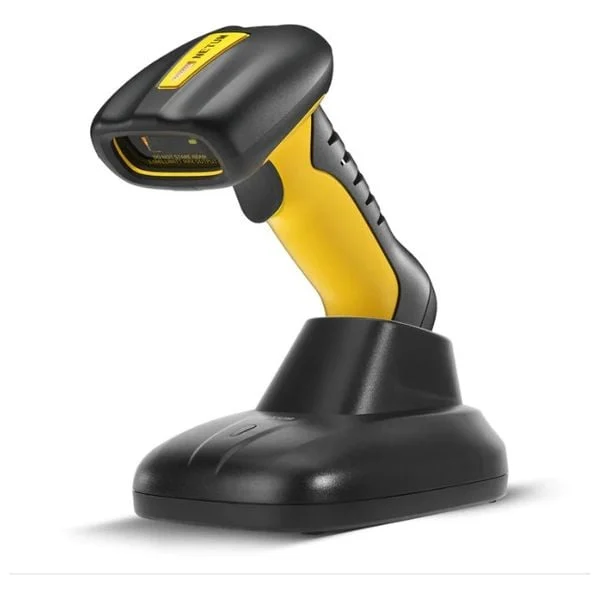
Wireless SM-BS1D2D or industrial SM-BS1D2D-IGD for product selection and scanning batch or order information.
SM-LP230-E with Ethernet or SM-LP230-W with Wi-Fi for packaging labels linked to process data.
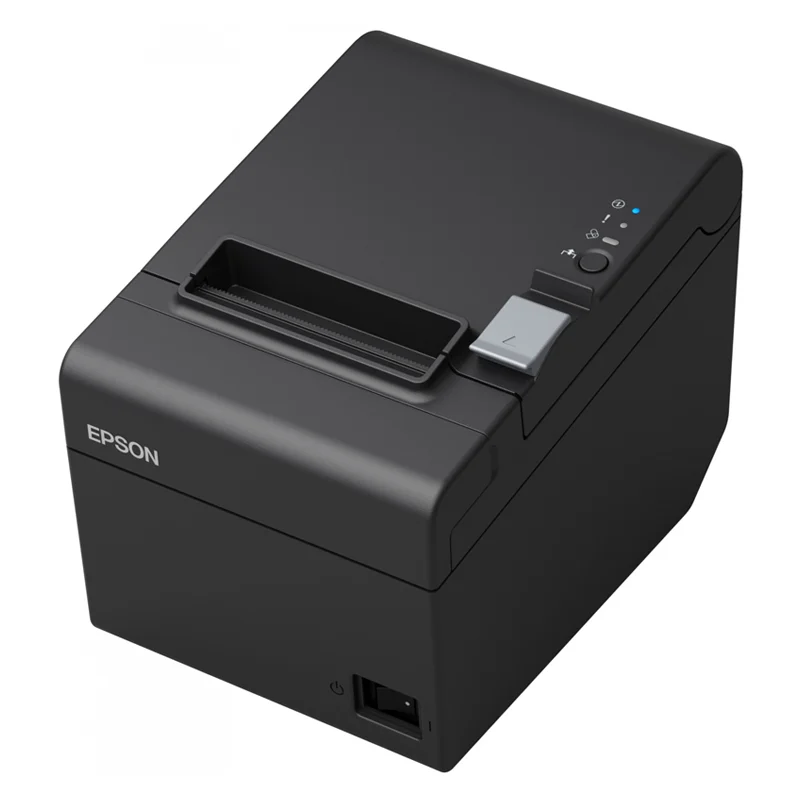
SM-PET20-T thermal POS printer for printing results and associated data beside the scale.
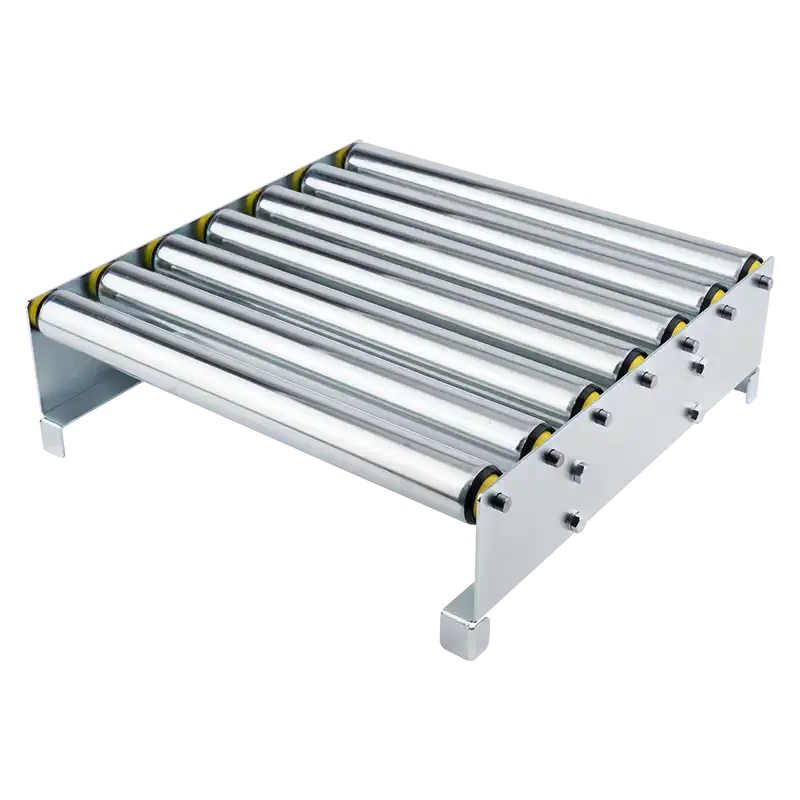
Accessories for moving and positioning packaging on compatible platforms. We select the configuration to suit the dimensions and load.
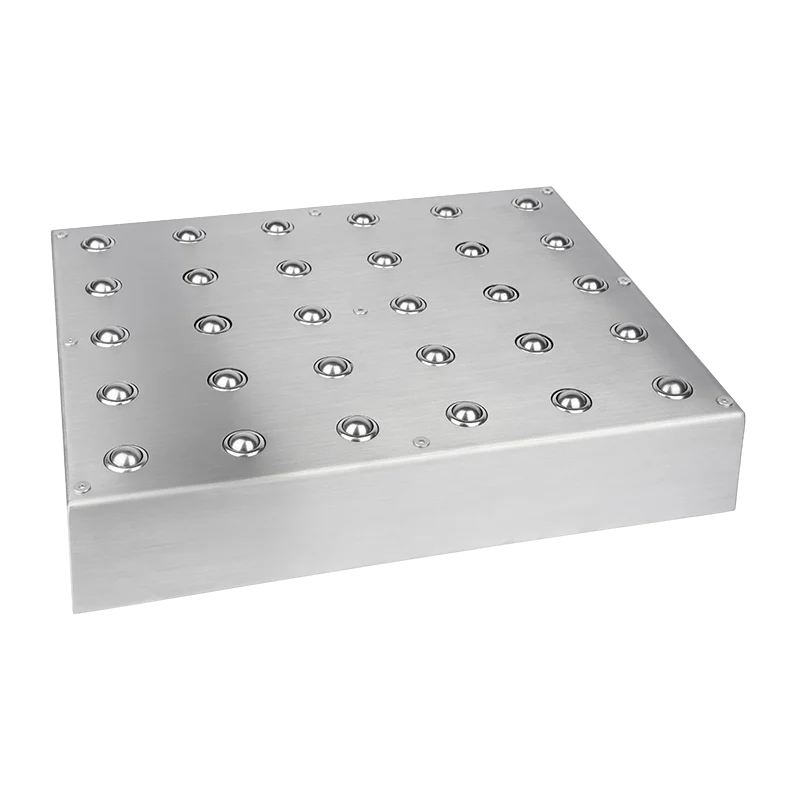
TQ-BP, TC-BP and TX-BP stainless steel plates for easier positioning of packaging on a suitable platform.
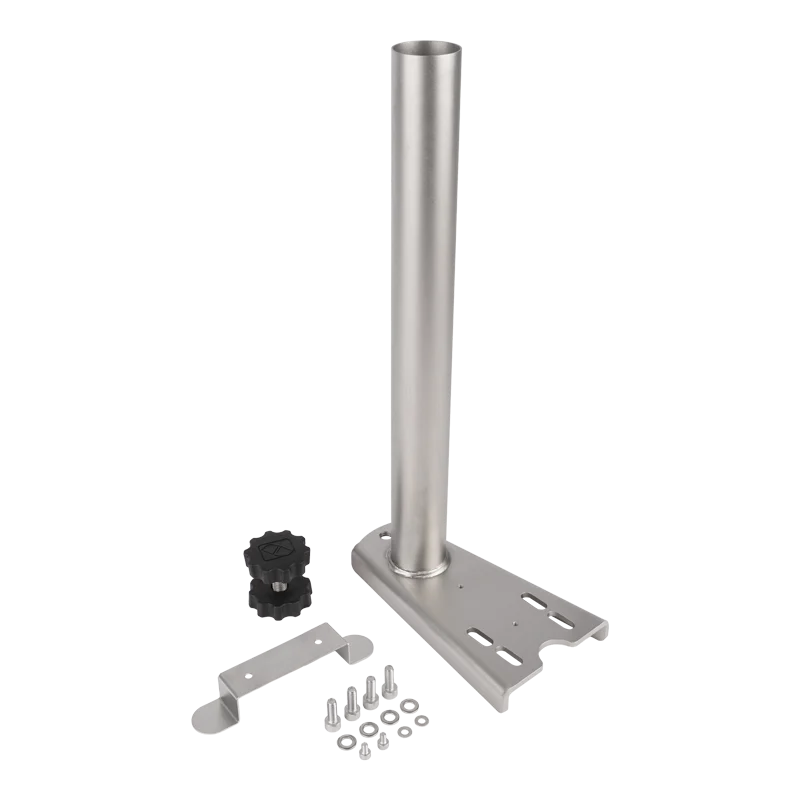
Neutron NT mounts on the platform or a separate floor column for a clear, organised workstation.
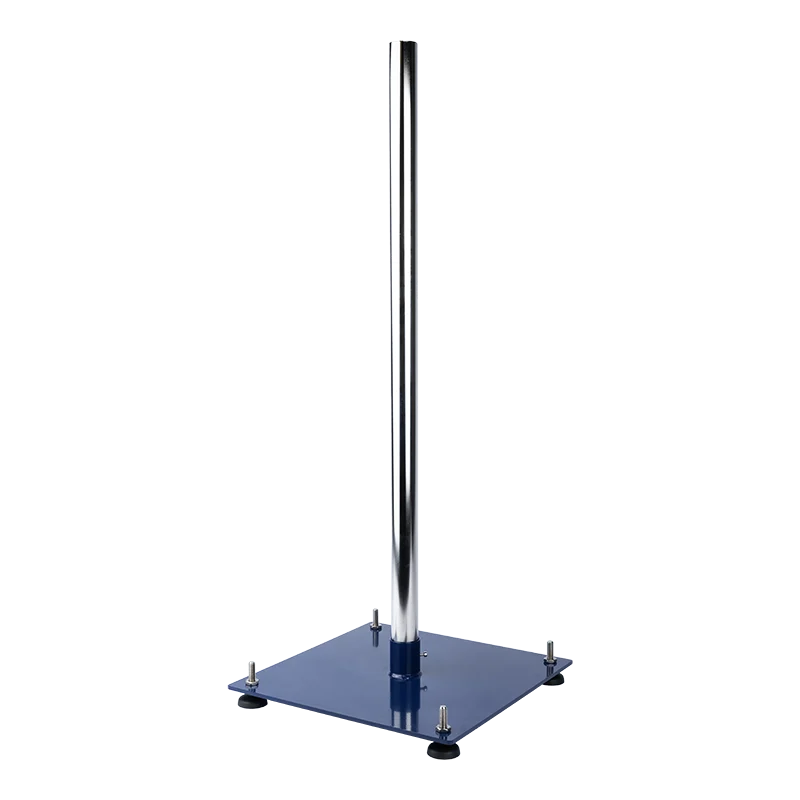
The CLD-900-NT with a Neutron NT mount lets you position the terminal separately beside a floor scale.
In Absolute mode, enter the lower and upper limits. In Relative mode, set the target weight and permitted deviations below and above it; percentage deviations are also available.
This station is intended for the static Checkweighing application. The automatic conveyor Checkweigher application has different procedures and parameters and is planned separately.
Yes. You can configure individual weighing records, a stability condition and a required return to zero before the next record. We test the settings with your taring and handling process.
Yes. Set a target piece count and tolerances in the Counting application. The result is calculated from net weight and average piece weight, so it also depends on a correct reference sample.
The application runs locally on Neutron NT and saves records to its local SD card. With connectivity enabled and a suitable Scale Monitor plan, data is also saved automatically to the cloud. If the internet connection fails, you can continue working on the terminal; pending records synchronise when connectivity returns.
Yes. We use the REST API or webhooks to exchange data with information systems. Neutron NT has a built-in OPC UA server supporting encrypted and unencrypted communication, plus Modbus RTU/TCP for connecting to PLCs and SCADA systems.
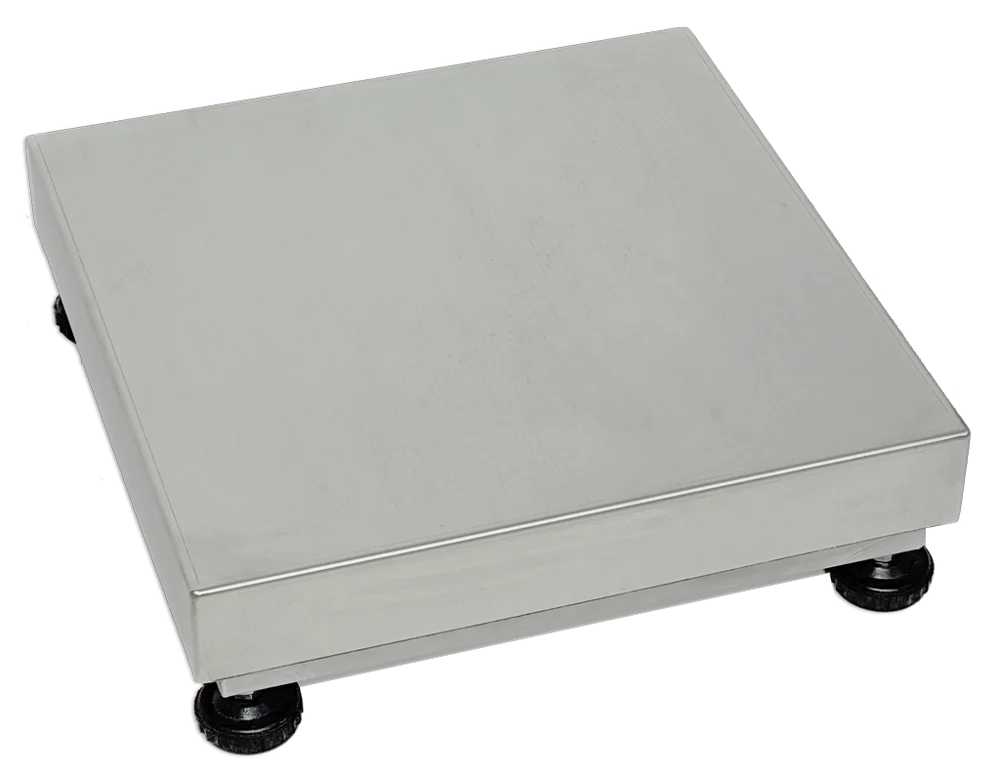
A compact platform scale with a Neutron NT terminal for counting, checking and labelling at the workbench. Choose the capacity and resolution to suit your parts.
View PB-NT in the shop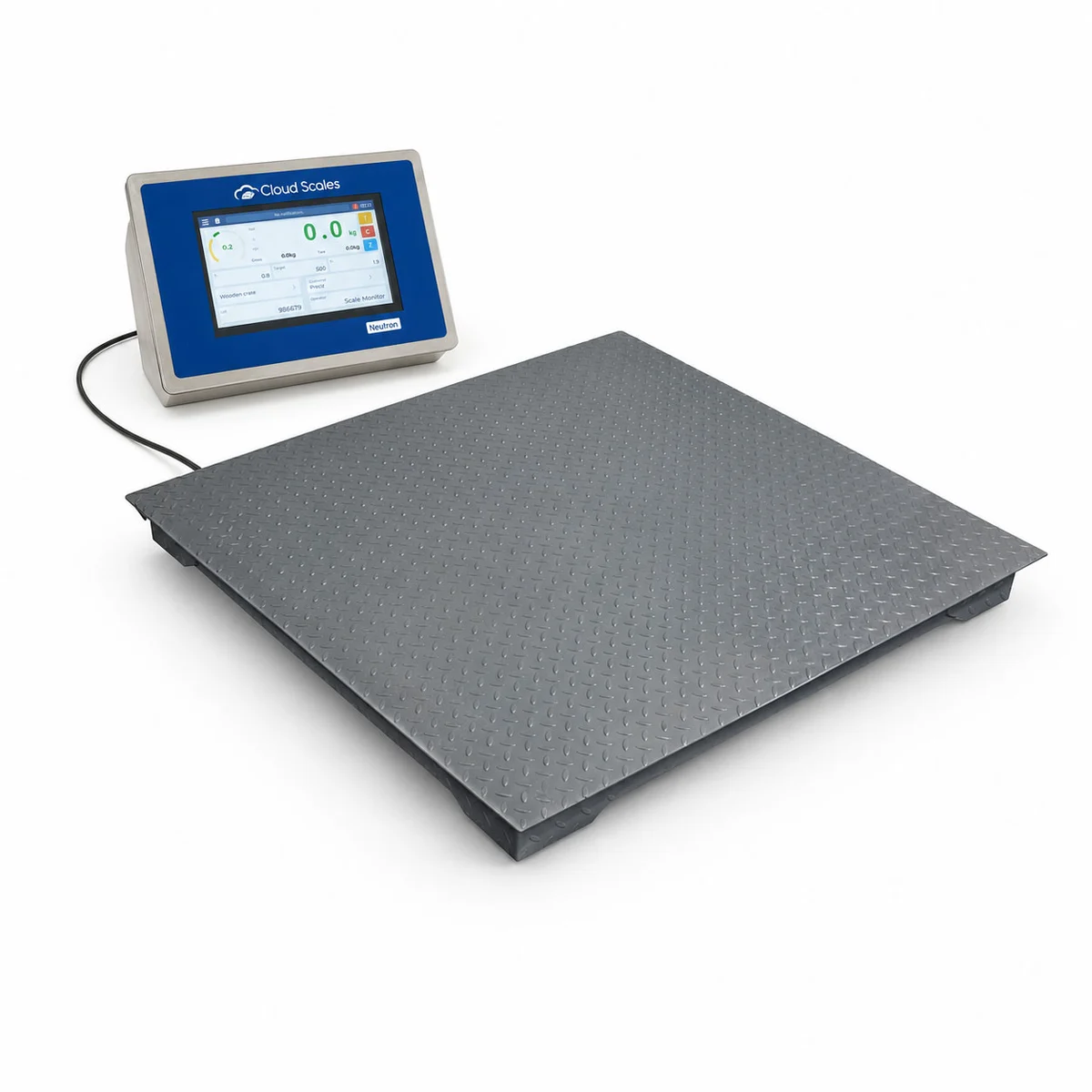
A floor scale with Neutron NT for heavier loads. We assess suitability for counting light parts using a reference scale, appropriate resolution and a trial with your material.
View FKN-NT in the shopSpecify the target weight, permitted deviations, packaging type and weight, working pace and required records. Include requirements for printing, photographs and integration with your quality or production system.