
14 languages
Clear guidance for international drivers too.
SCALE MONITOR TRUCK
Less waiting at the weighbridge. More control over every delivery and dispatch.
Weigh vehicles from a phone, tablet or PC on a new or existing weighbridge. Drivers can scan a QR code and weigh without leaving the cab, or use a smart self-service terminal. Scale Monitor Truck connects weighing, cameras, documents and business systems in one cloud environment.
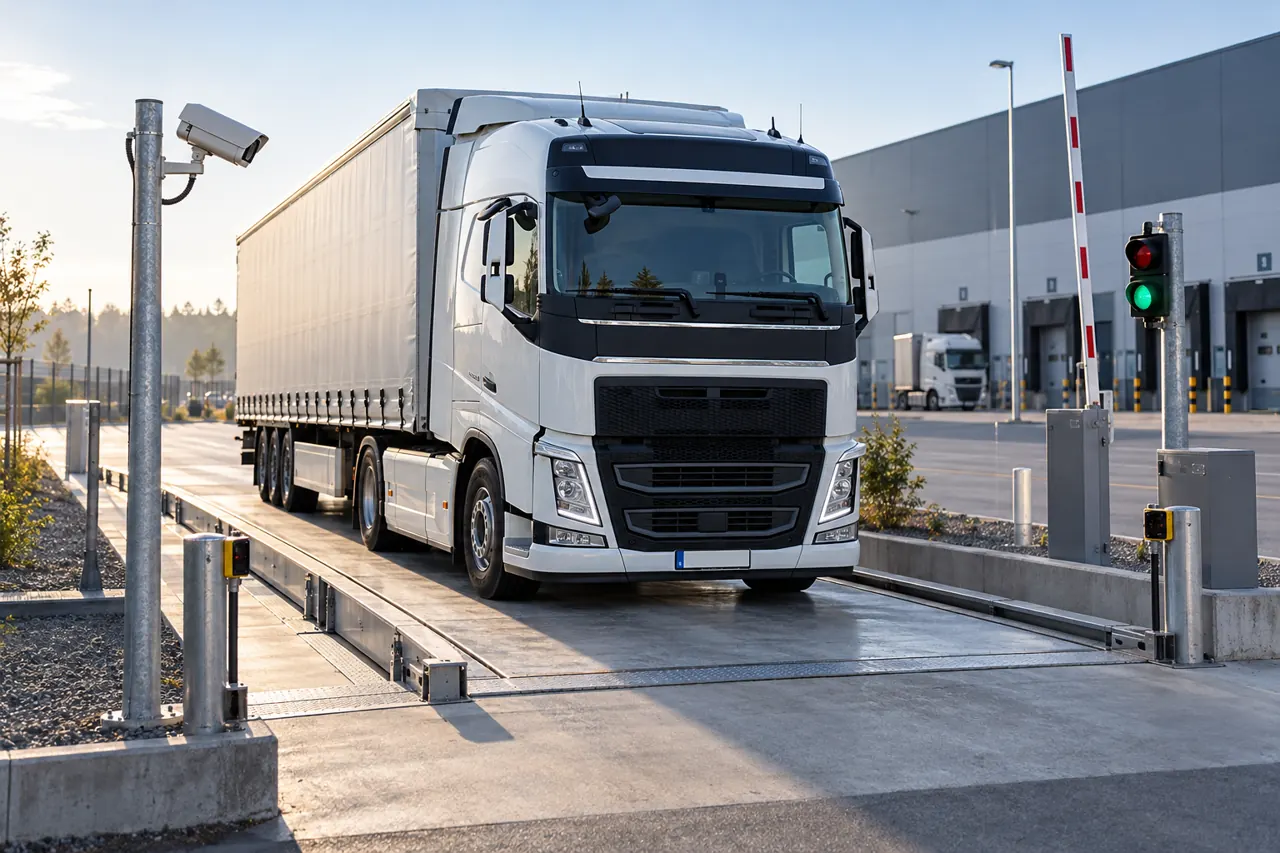
Clear guidance for international drivers too.
Quickly and easily adapt the workflow and required fields.
Connect new equipment or upgrade a compatible existing scale.
Waiting drivers, retyping number plates and paper records slow down goods receipts and dispatches. Scale Monitor Truck connects weighing with your data and reduces the workload for your team.
Drivers follow clear steps and complete routine weighing themselves. Staff help where their judgement is needed.
Weight is captured from the scale and linked to the vehicle, material and order. Data is ready for the next stage of your process.
Weighing records, documents and photographs provide a clear history and help resolve delivery queries.
YOUR PROCESS. YOUR WAY OF WORKING.
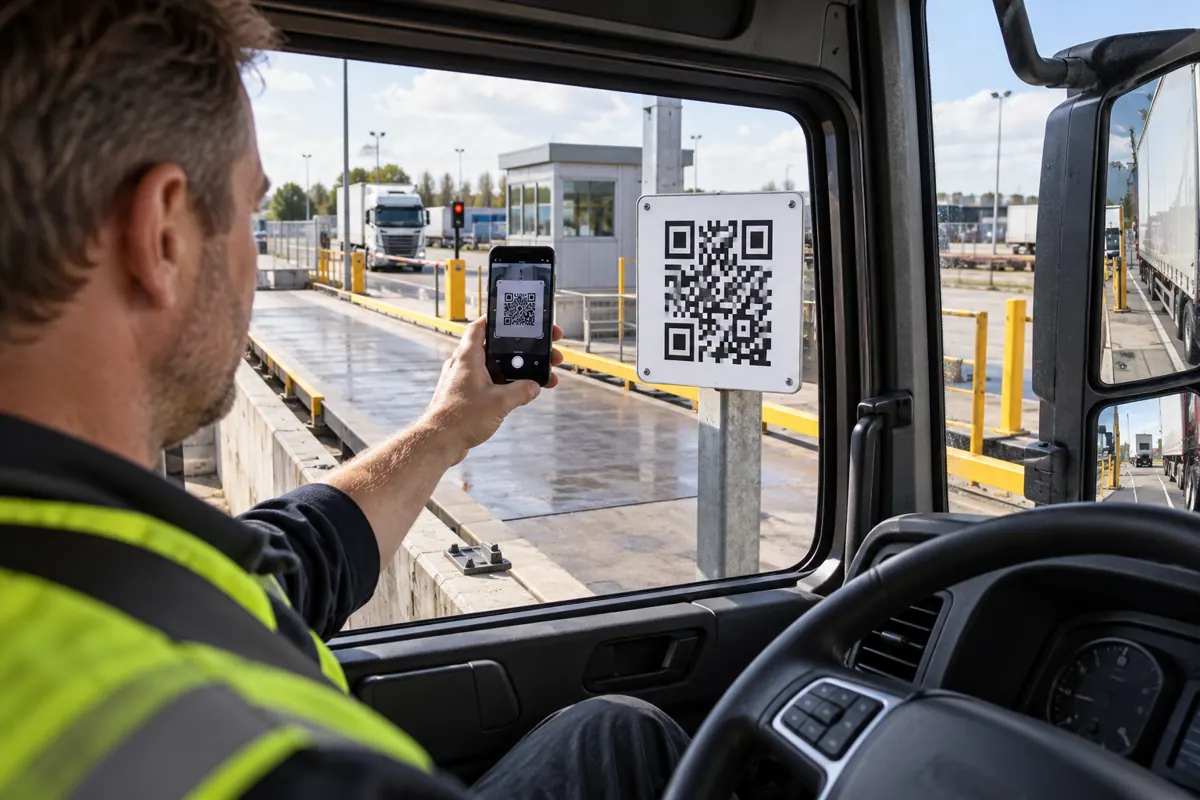
01 / PHONE + QR
From the cab, the driver scans the QR code on a large sign beside the weighbridge. A guided workflow opens in the browser without installing an app. The driver stays in the vehicle until weighing is complete.
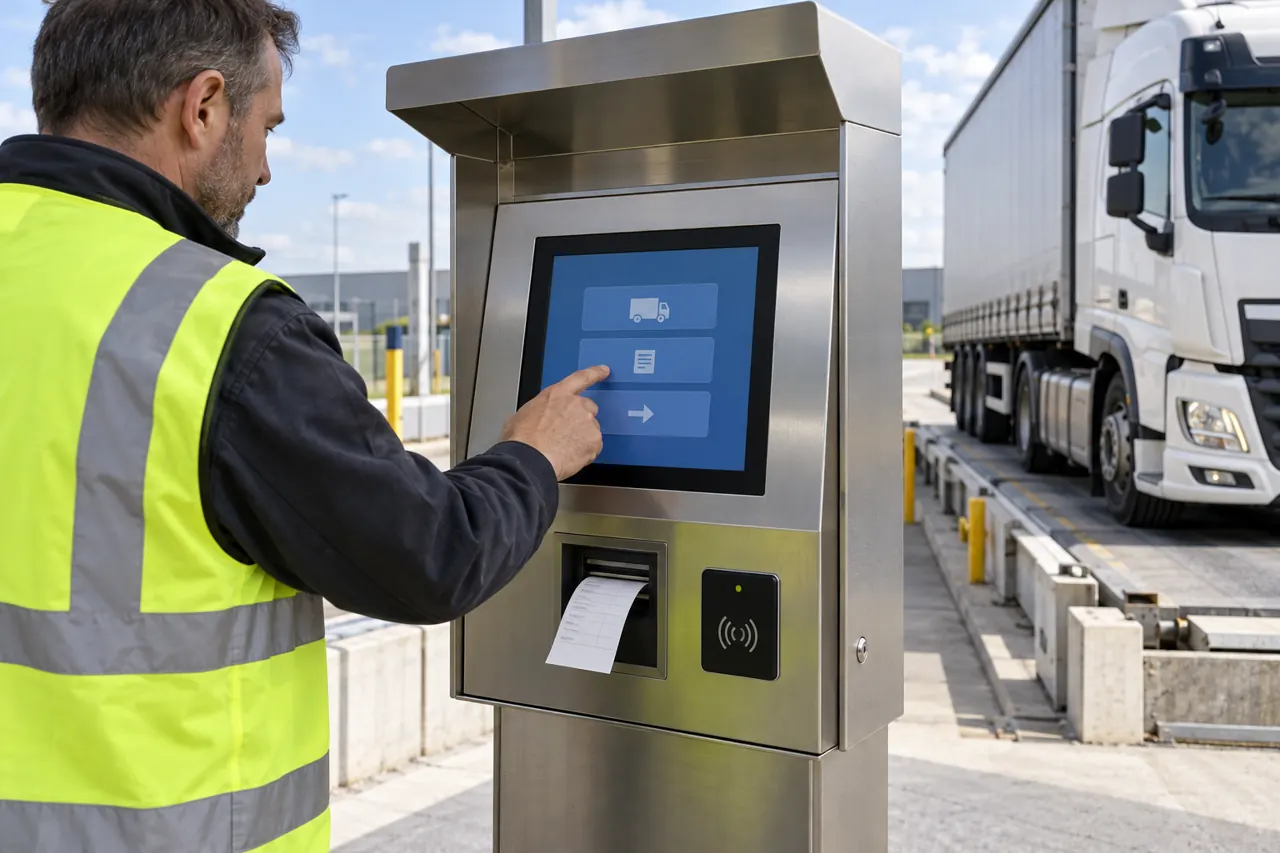
02 / SMART WEIGHING SYSTEM
A smart weighing system combines a touchscreen, RFID or code reader and a printer. Drivers identify themselves, weigh and collect their tickets in one place.
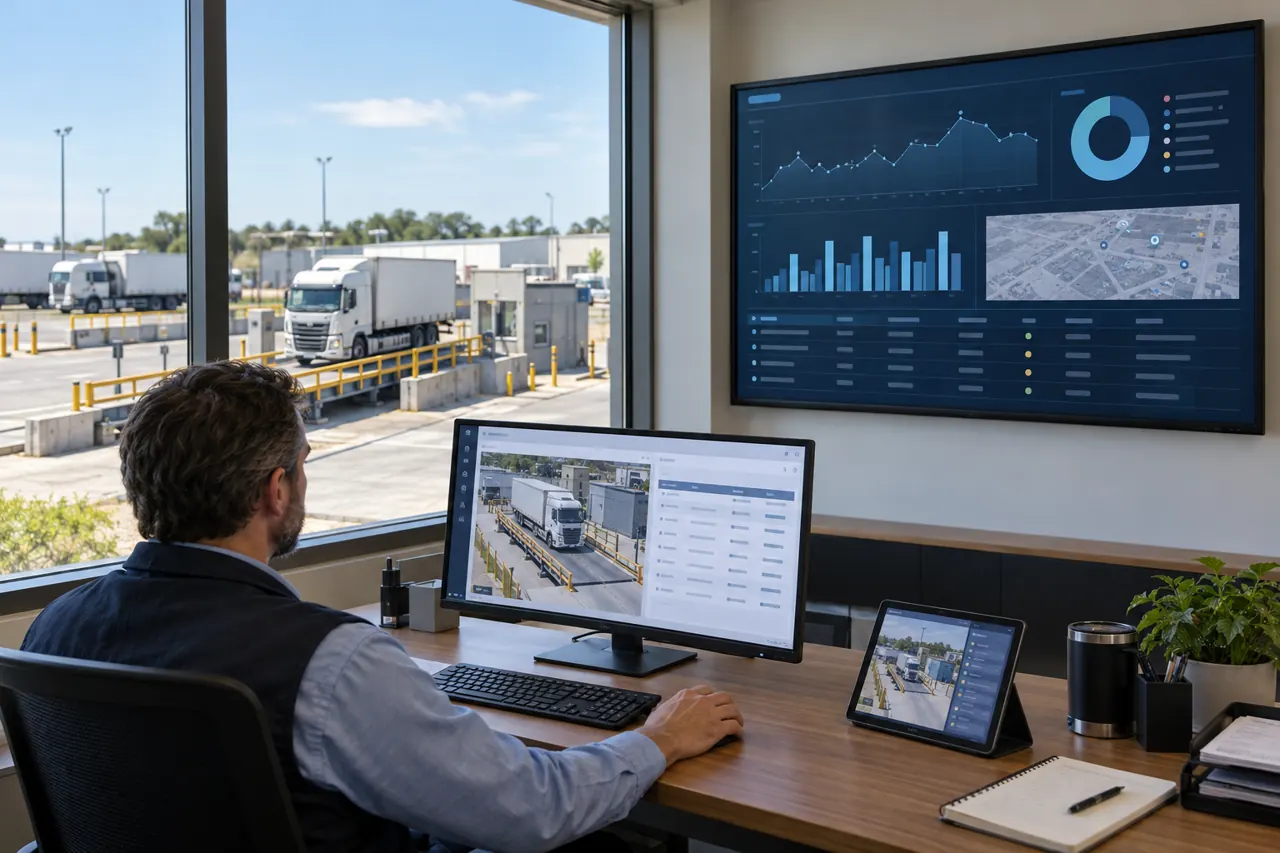
03 / REMOTE MONITORING
An operator can perform weighing remotely, watch it live when cameras are installed, or simply monitor the weighing process.
24/7 ACCESS
Authorised users access shared weighing records in real time without manually sending files, anywhere, at any time, 24/7 and from any device.
Access controlled by user permissions
From the cab, the driver scans the QR code on a large sign beside the weighbridge and opens a guided workflow in their phone browser. The entire weighing process can be completed without leaving the vehicle. Alternatively, use a smart weighing system with a self-service terminal, readers and a printer. An operator can perform weighing remotely, watch it live when cameras are installed, or simply monitor the weighing process.
The driver arrives and identifies themselves using a QR code, RFID tag or automatic number plate recognition.
The system guides the driver through selecting the vehicle, material, customer, supplier or order.
The driver positions the vehicle on the weighbridge; photocells check its position.
The system records the first weighing. If cameras are installed, photographs are saved as well.
After loading or unloading, the system links the second weighing to the first and calculates the net weight.
The weighing ticket is saved, printed or sent by email or as a link in an SMS message. Weighing data can be transferred automatically to ERP, MES, WMS or another system through a REST API or webhook.
Use Scale Monitor Truck in a web browser. Choose the device that suits your work, whether you are in the weighbridge office, yard or another office. Authorised users access shared weighing records in real time without manually sending files, anywhere, at any time, 24/7 and from any device.
Connect your weighbridge to equipment that identifies vehicles, checks weighing conditions and controls arrivals and departures. Select additional modules and equipment to suit your traffic, site and level of automation.
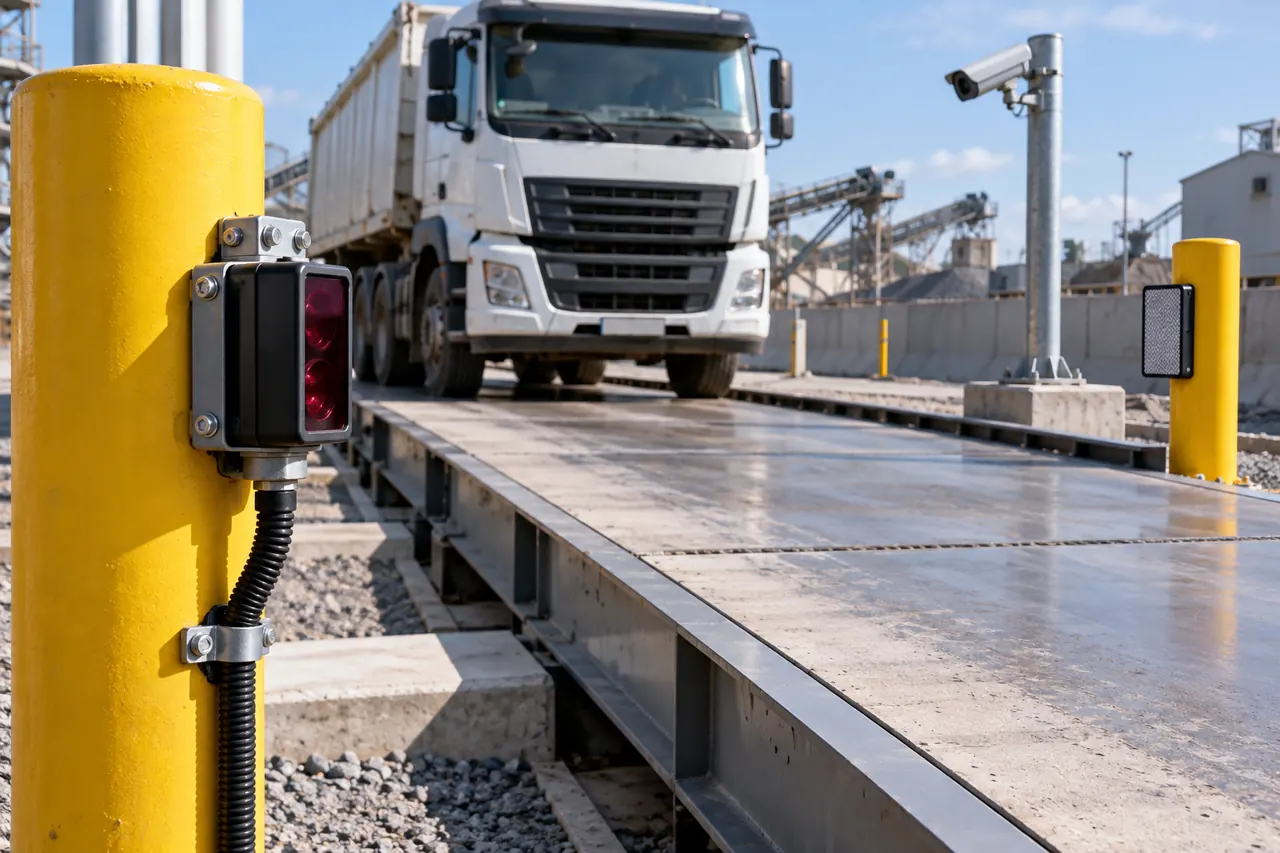
CONNECTED EQUIPMENT
Cameras help verify events, ANPR recognises the number plate and photocells check the conditions for correct vehicle positioning. Each component has a clear role in your workflow.
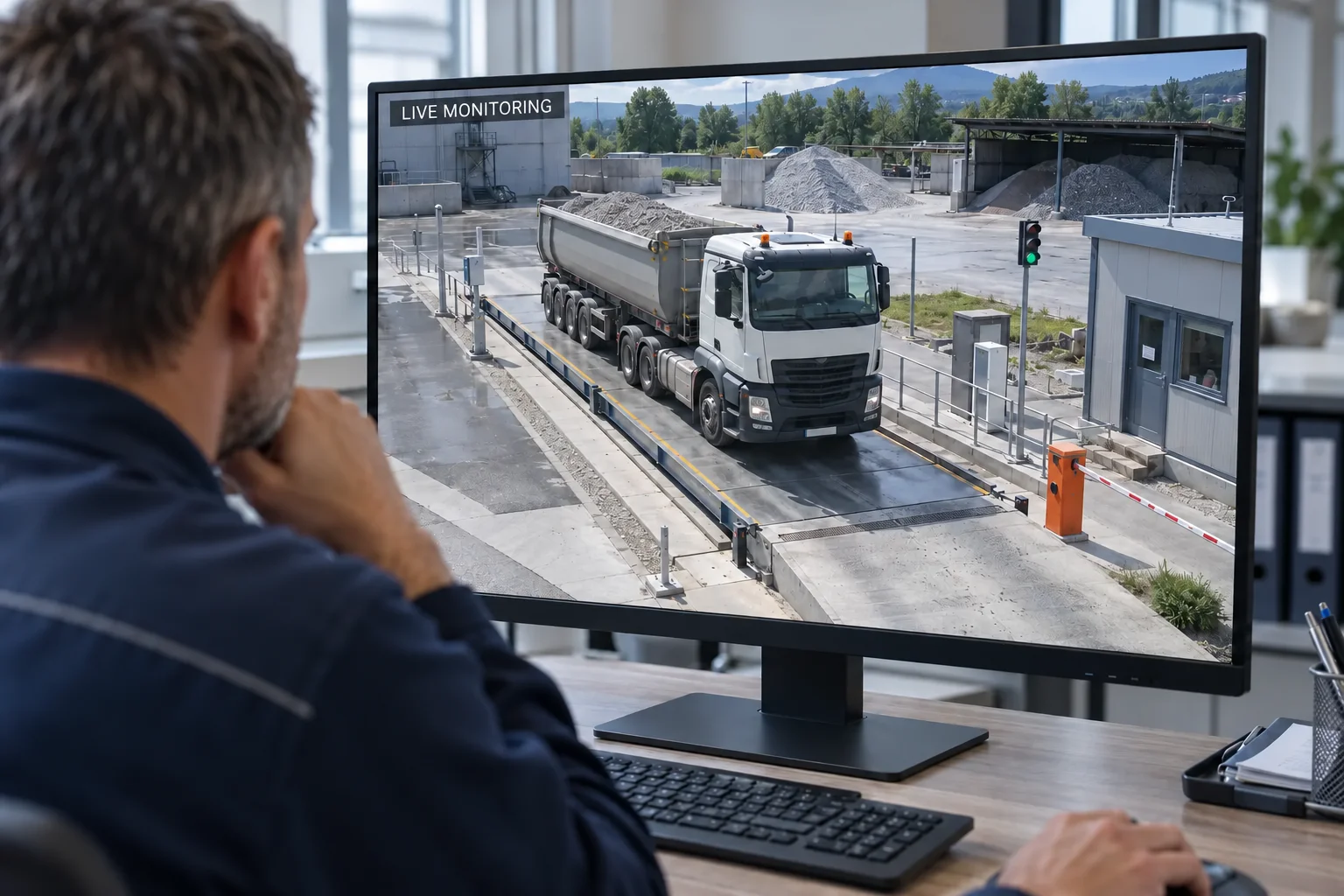
Watch the weighbridge and its surroundings live and assist drivers without being in the weighbridge office.
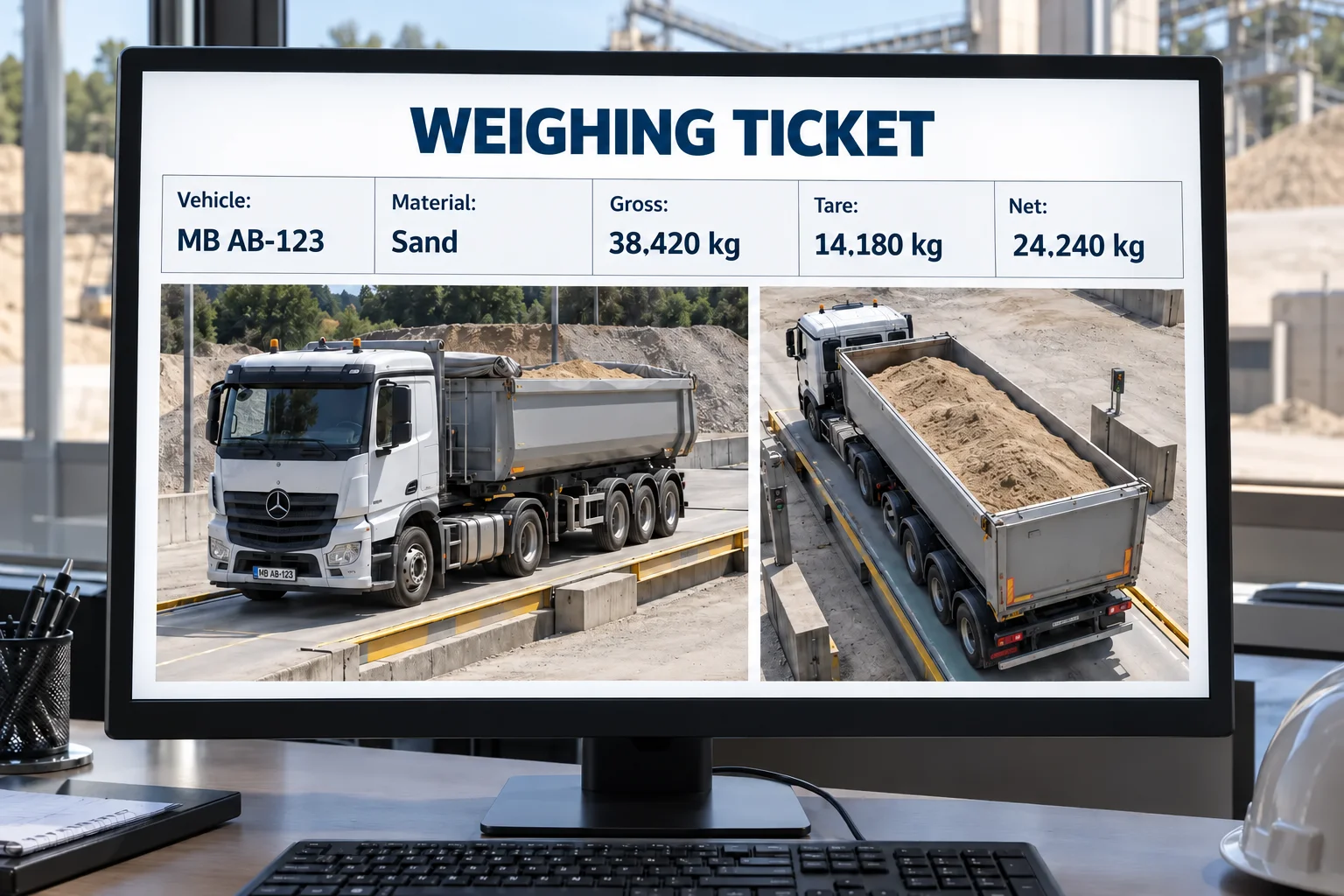
Automatically capture photographs at the first and second weighing and link them to the weighing record.
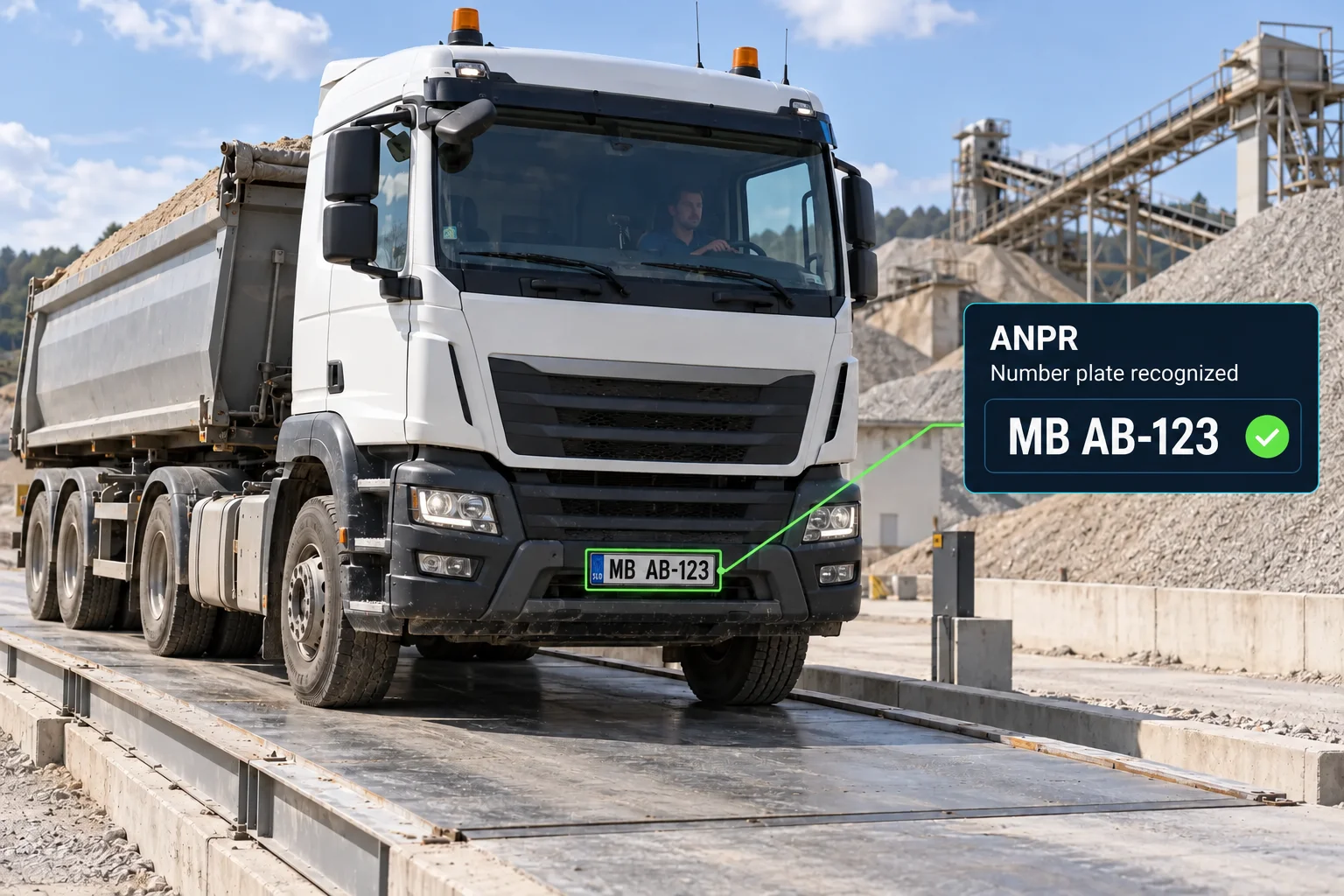
Identify vehicles with a camera to reduce typing and the risk of incorrect entries.
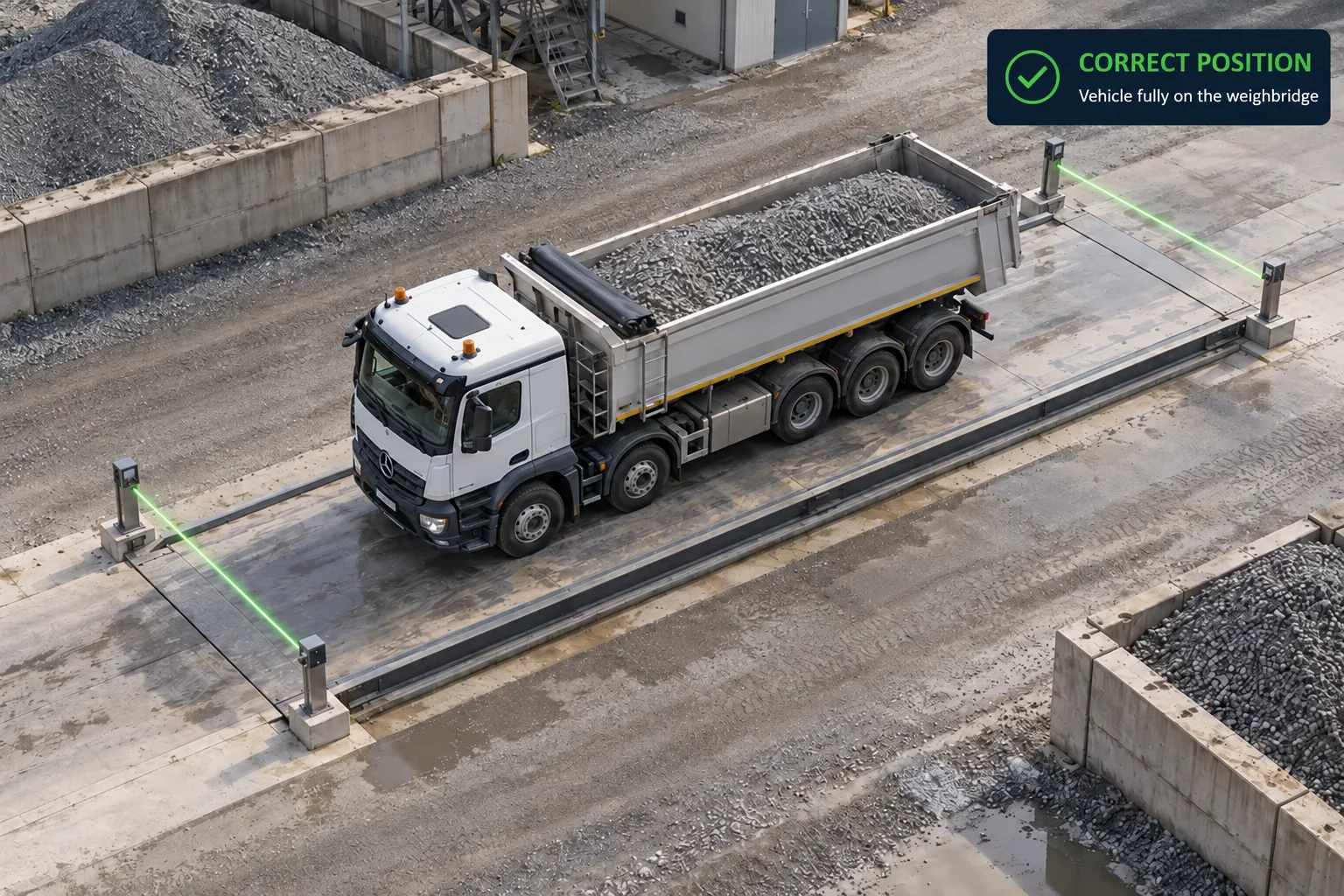
Check that the vehicle is correctly positioned. The system can prevent weighing until the required conditions are met.
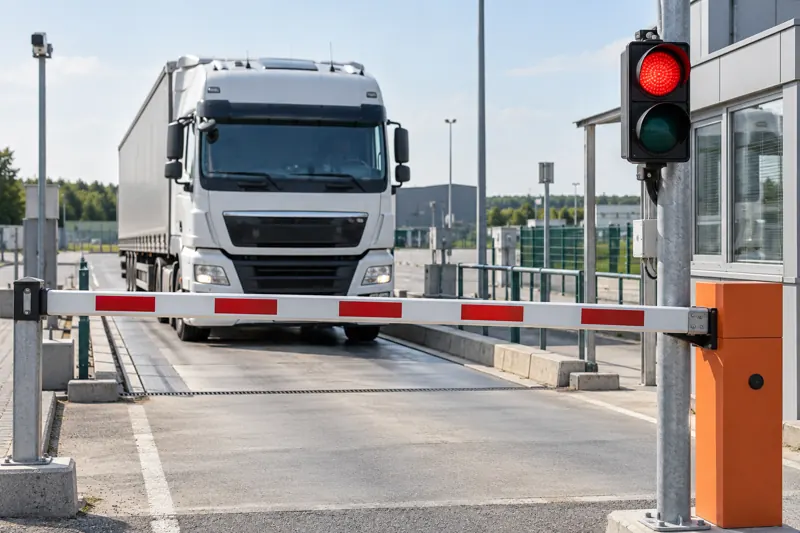
Control vehicle entry and exit according to identification and the agreed weighing sequence.
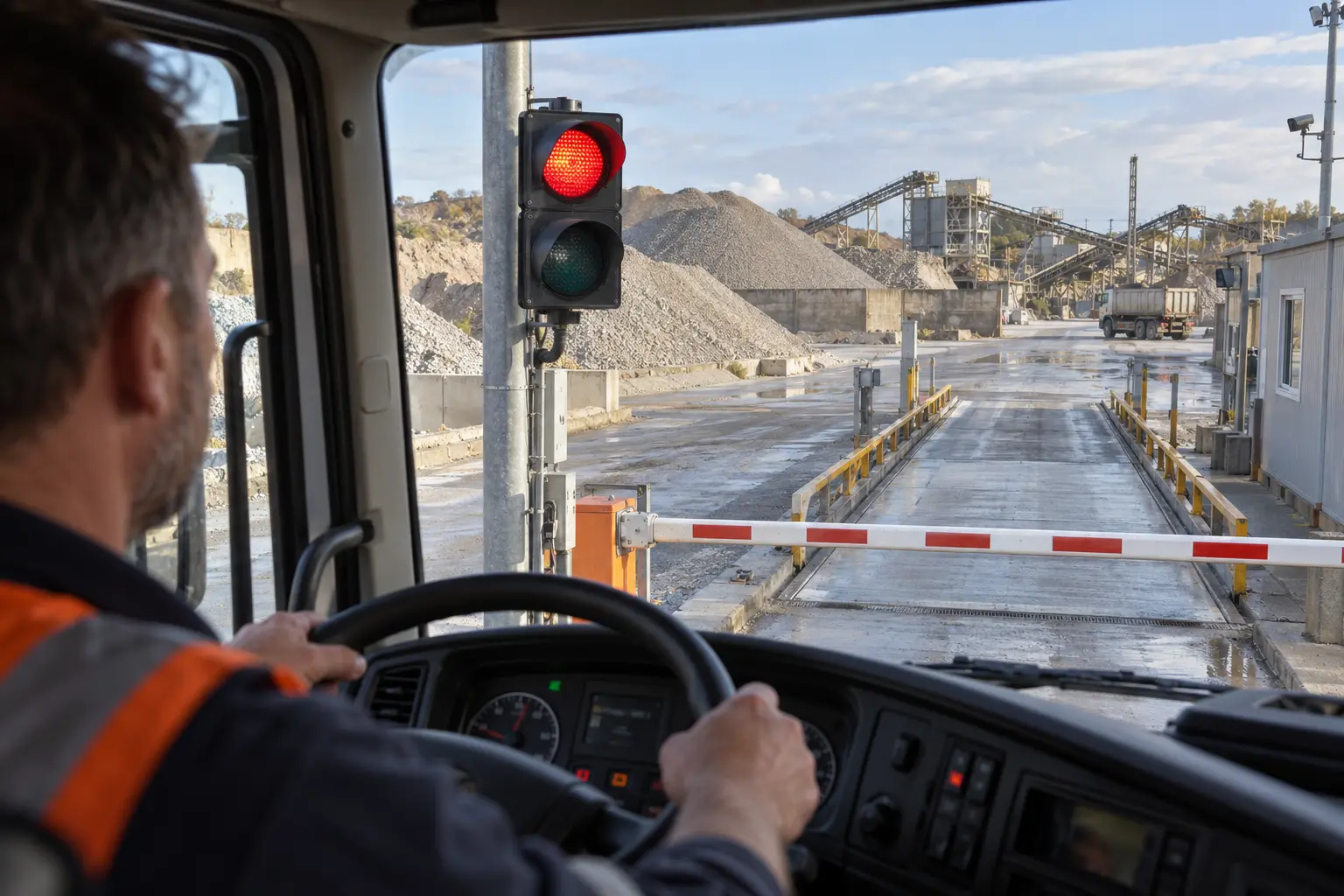
Show drivers clearly when to enter the weighbridge, wait or leave.
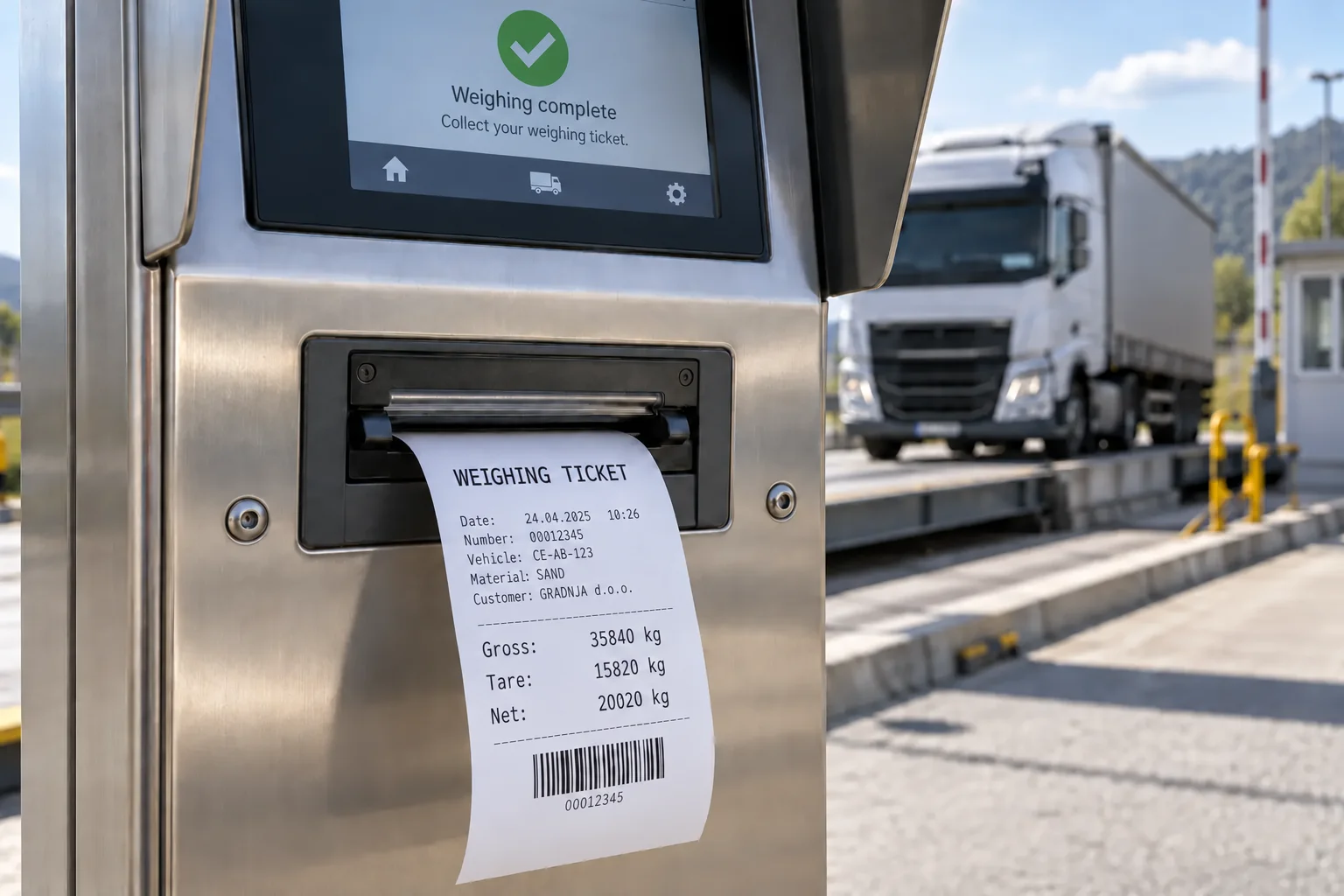
Print the weighing ticket as soon as weighing is complete, in the weighbridge office or at the self-service terminal.
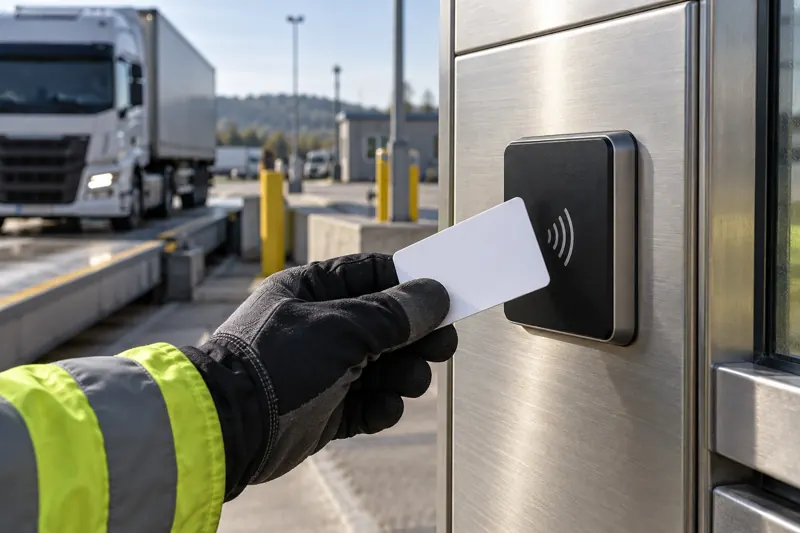
Identify the driver or vehicle with a card or tag and simplify repeat visits.
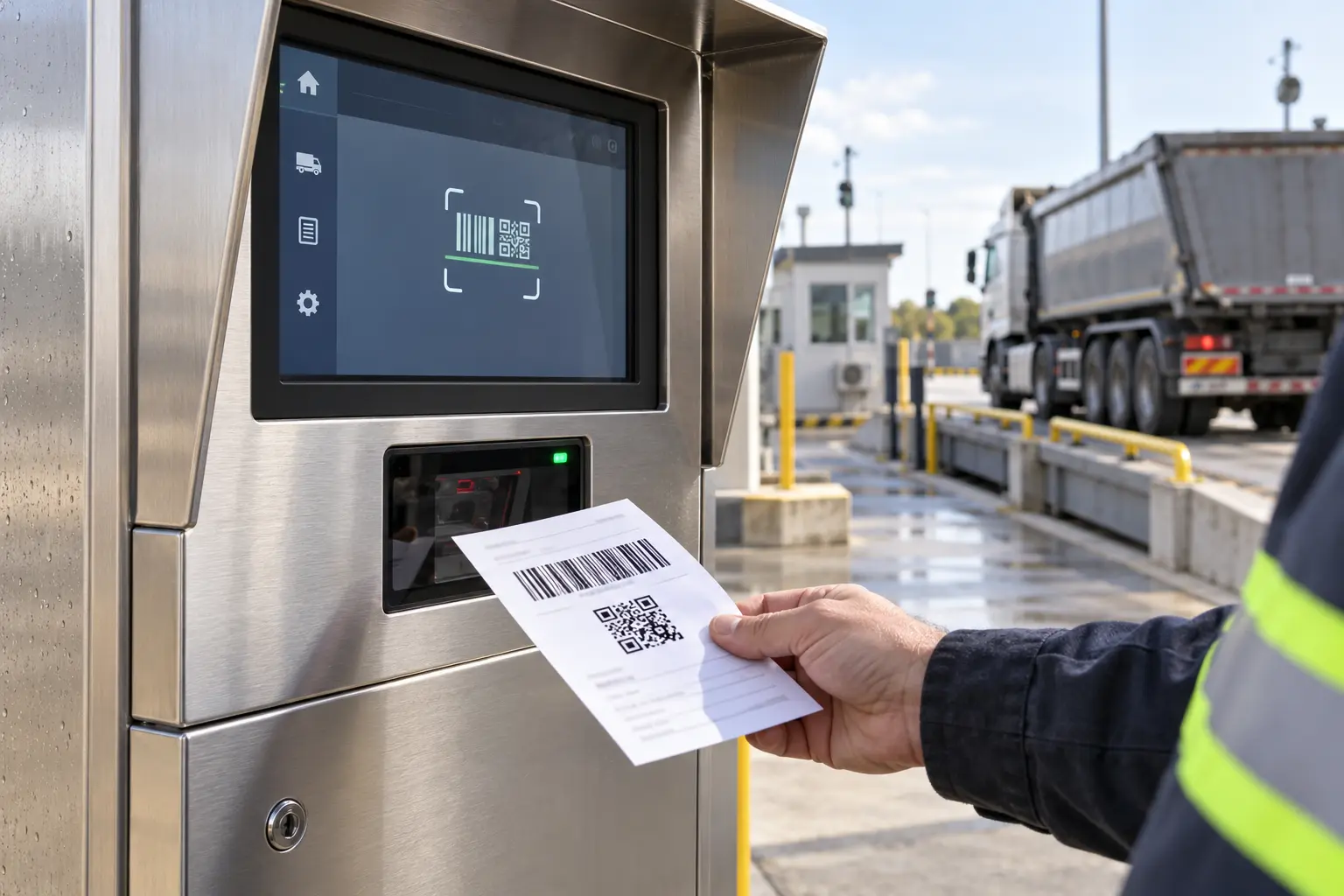
Scan an order, delivery or identification code to reduce manual data entry.
Scale Monitor Truck is suitable for both new and existing weighbridges. PRECIZ checks indicator and communication interface compatibility and helps specify connectivity and additional equipment. Weighing steps and required data can be adapted quickly and easily to your workflow. The system is available in 14 languages for international drivers and teams. Browser and QR workflows require an internet connection.
Quickly and easily change the sequence of steps and the data users must enter. Specify what is required for a delivery or dispatch, such as material, customer, supplier or order.
THE DOCUMENT REACHES THE RIGHT PERSON
After weighing, send the ticket to departments within your company, customers and drivers. Email delivers the document; an SMS message delivers a link to the ticket. Sending rules and recipients are configured for your workflow.
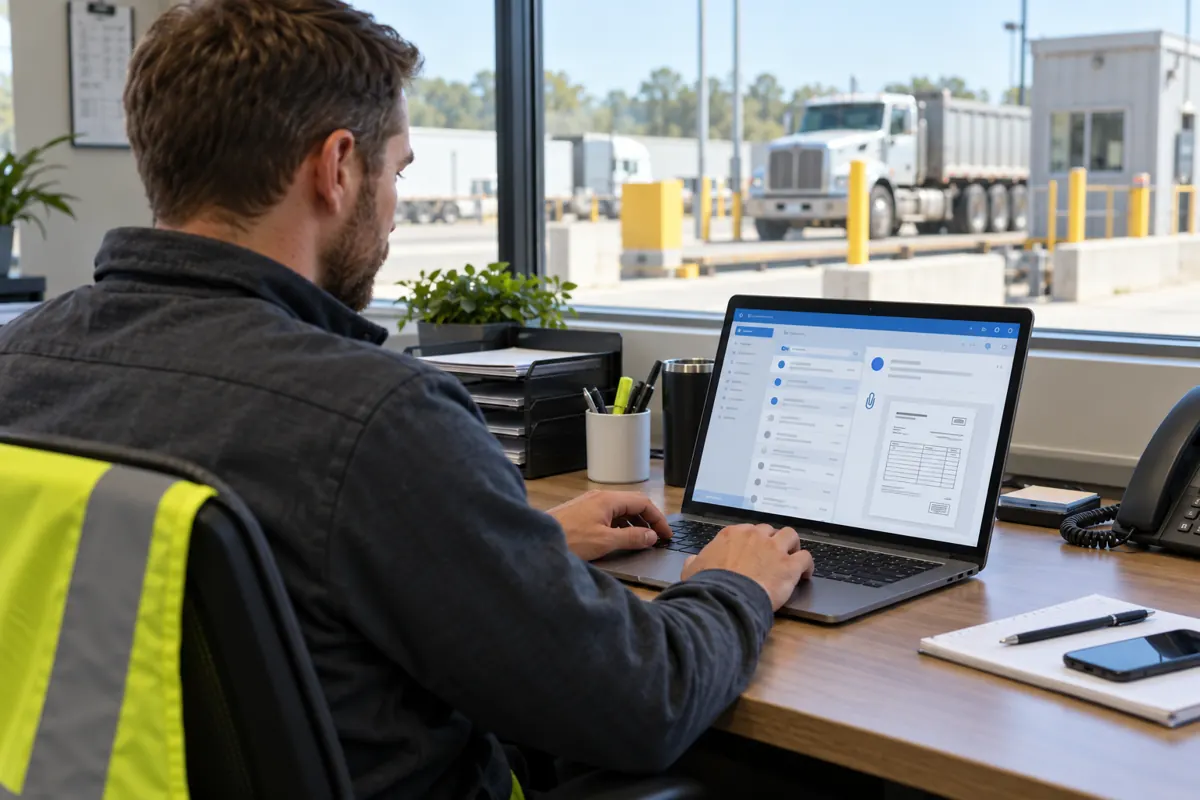
Send the document to selected departments, customers and business partners.
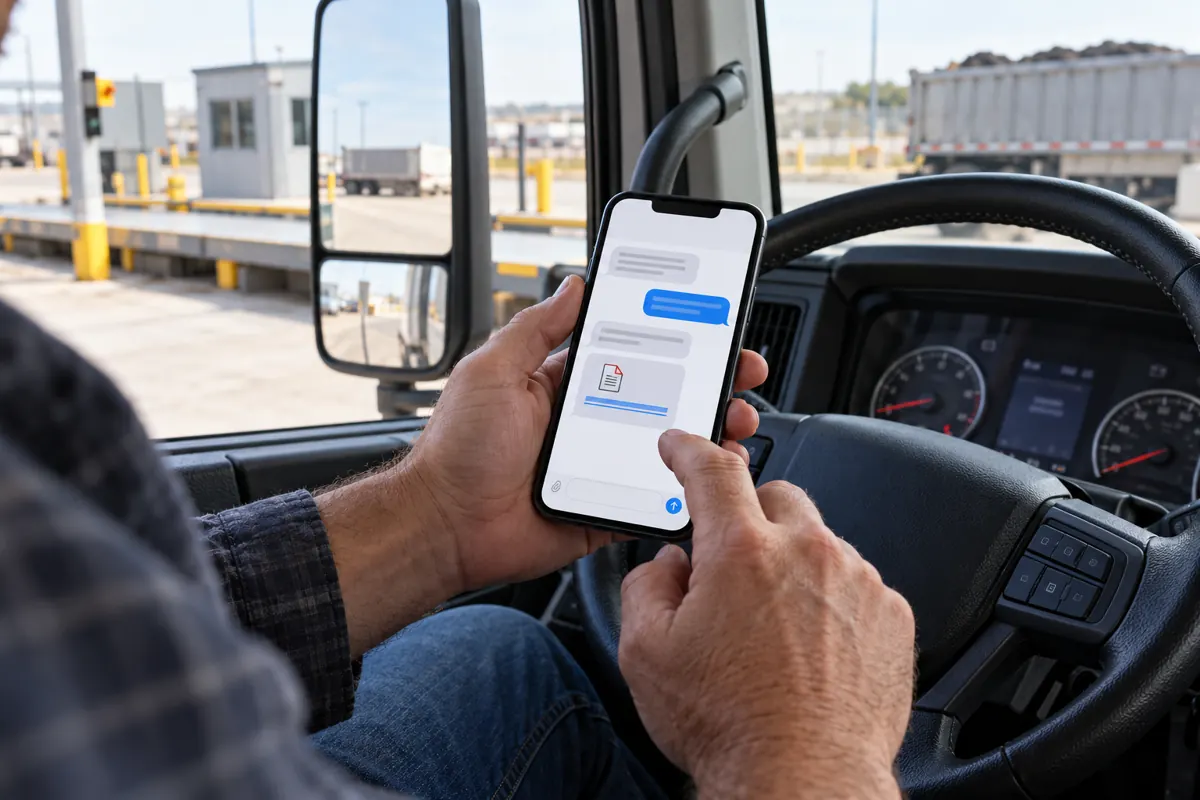
Drivers open the document on their phones without visiting the office for a paper copy.
Logistics, warehouse, purchasing, sales and accounts receive the information they need for their next tasks.
The customer or supplier receives the weighing ticket without waiting for someone to send it manually.
The document is available on a phone, so the driver does not need to visit the office to collect the ticket.
ONE WEIGHBRIDGE OR MULTIPLE SITES
An operator can perform weighing remotely, watch it live when cameras are installed, or simply monitor the weighing process. Authorised users access weighings, documents and photographs in one place.
Review completed weighings and quantities for a selected period.
View data by material, customer and supplier.
Central access to data from different weighing locations.
Display a dashboard on a TV with a compatible browser or through a connected computer or media player. Your team gets a shared view of weighings and the flow of goods.
Store weighings in the cloud, search them, export them to Excel or transfer them automatically to ERP, MES, WMS or another system through a REST API or webhook. Data moves on without retyping, leaving your team free to focus on the next task.
The cloud service reduces the need to maintain your own server, backups and upgrades. User permissions determine access to data.
Explore REST API and webhook integrationEXTEND YOUR WAY OF WORKING
Connect vehicle weighing with other platform capabilities and select additional modules to suit your workflow.
Connections, protocols and management of weighing points.
View and operate the scale on your device.
Items, partners, vehicles and your records.
Fields and data adapted to your process.
History, search, printing and Excel export.
Print templates and identification of weighed goods.
Digital capture of reports from measuring equipment.
Select data and trigger actions by scanning.
An overview of weighings and sites, including on a TV.
Live monitoring, photographs and vehicle identification.
Documents for departments, customers and drivers.
Automatic data exchange with business systems.
Access the scale from your own application.
Access and user groups based on roles.
Protected communication and access restrictions.
Check communication and connection status.
ADDITIONAL OPTIONS FOR YOUR PROCESS
From driver self-service to stock visibility: add the functions your weighing station needs. Optional modules are available with separate monthly subscriptions; equipment is selected for the solution.
Reduce operator workload and waiting. Drivers complete the workflow at a terminal or on a phone via QR code, including without leaving the cab.
Create and issue a CMR international consignment note together with the weighing ticket. This dedicated module connects weighing to the documentation needed for international road freight and simplifies dispatch.
Manage your warehouse directly in Scale Monitor Truck. The warehouse module combines stock visibility, receipts, issues and material transfers, so weighing and warehouse operations are handled in the same application.
Watch weighing live and find the linked photographs later. Resolve questions about a vehicle, load or delivery more easily.
When assistance is needed, the driver presses a button on a compatible GSM intercom to call the responsible person. Manage settings remotely in Scale Monitor.
No. Use Scale Monitor Truck in a web browser on a phone, tablet or PC. The driver scans the QR code on the sign beside the weighbridge from the cab and completes weighing without installing an app or leaving the vehicle.
You need a compatible scale or indicator with a communication interface, a suitable connectivity device, an active Scale Monitor Truck service, an internet connection and a phone, tablet or PC with a web browser. For self-service weighing, add a QR workflow or terminal. Cameras, ANPR, photocells, barriers, traffic lights, printers and readers are optional additions selected for your process.
Yes. Scale Monitor Truck is available in 14 languages, making the guided weighing workflow easier to follow for local and international drivers and teams.
Yes. Suitable connectivity and control equipment can integrate cameras for live monitoring, photographs and ANPR, along with photocells, barriers and traffic lights. The workflow is adapted to traffic at your site.
Using Scale Monitor Truck directly in a browser or through a QR workflow on a phone requires an internet connection. With a Neutron NT system, supported applications run locally and store data on the terminal. Data synchronises to the cloud when connectivity returns. This does not make the browser-based QR workflow available offline.
Yes. Scale Monitor Truck supports new and existing scales with a suitable communication interface and supported protocol. Send us the make and model of your scale or indicator and a photograph of its connections so we can check connectivity options.
Yes. Send weighing tickets by email or share a link to the ticket in an SMS message. Recipients can include different departments within your company, customers and drivers. Sending rules and recipients are configured for your workflow.
Photocells at the weighing station check that the vehicle is correctly positioned. Weighing can be prevented until the required conditions are met. Sensor placement and rules are adapted to the weighbridge and vehicles.
Yes. Display dashboards on a smart TV with a compatible web browser, or through a connected computer or media player. Views can be tailored to logistics, production or management.
Yes. Weighing data can be transferred automatically to ERP, MES, WMS or another system through a REST API or webhook. We agree the data, transfer direction and triggering events with your IT team or integrator.
Yes. You can quickly and easily adapt weighing steps and required data to your process. Set the workflow sequence and fields such as material, customer, supplier, vehicle or order.
Planning a new weighbridge or upgrading an existing one? Send us the scale model or requirements for the new weighing station, a description of your workflow and the approximate number of vehicles per day. We will propose a digital, self-service or automated weighing solution.
Request a Scale Monitor Truck quote